

So you’ve got an online shop/website, and things are going well. Maybe you’re getting steady sales, maybe you’ve built a loyal customer base – but now you’re thinking about selling in-person at craft fairs.
Great idea! Craft fairs give you the chance to meet customers face-to-face, get real-time feedback on your products, and even boost your online sales. But if you’re used to selling online, one big challenge of craft fairs is keeping your inventory in sync.
The last thing you want is to sell a product at a craft fair only to have someone buy the same item online minutes later! Let’s talk about how to avoid inventory headaches while making your transition into in-person selling smooth.

This page contains affiliate program links, which may pay a small commission if a purchase is made after using an affiliate link, at no cost to the reader. As an Amazon and Etsy affiliate, I earn from qualifying purchases.
To Start: Use the Same Payment System for Online & In-Person Sales
If you already have an online store, the best way to keep things organized at craft fairs is to use a payment system that syncs with your existing store.
Shopify Reader: The Perfect Fit for Shopify Store Owners

If you already sell online using Shopify, you’re in luck! Shopify has a mobile card reader that lets you take in-person payments while automatically updating your online inventory. That means if you sell a one-of-a-kind necklace at a craft fair, it will immediately be marked as sold in your online shop.
Shopify also accepts credit cards, debit cards, Apple Pay, and Google Pay, so customers can pay however they prefer – just like they would online.
Click HERE to order a Shopify Card Reader on Amazon (affiliate link)

Square: A Great Option for Etsy & Other Online Sellers
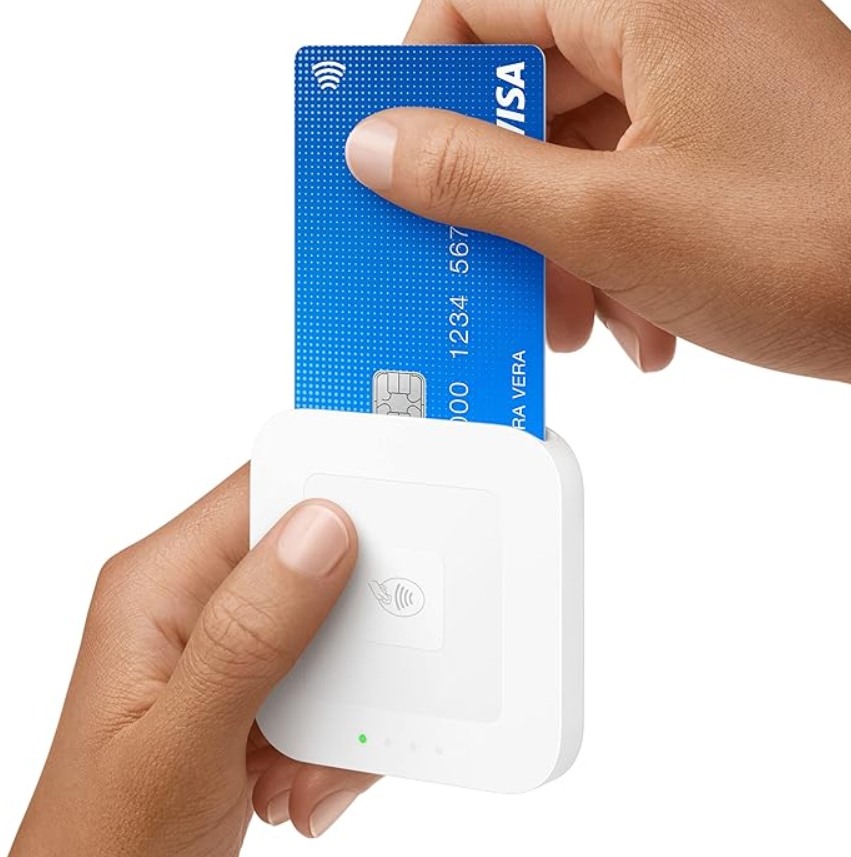
If you already use SquareUp for your online store, then accepting payments in-person is as easy as ordering a chip enabled reader and connecting it to your phone via Bluetooth.
If you sell on Etsy or another platform that doesn’t have its own in-person payment system, Square is an easy solution. Square lets you take credit cards, debit cards, Apple Pay, and Google Pay at your craft fair booth.
Even if your current online platform doesn’t sync with Square automatically, it at least gives you a simple way to track sales in one place.
Click HERE to order a Square Chip Reader on Amazon (affiliate link)
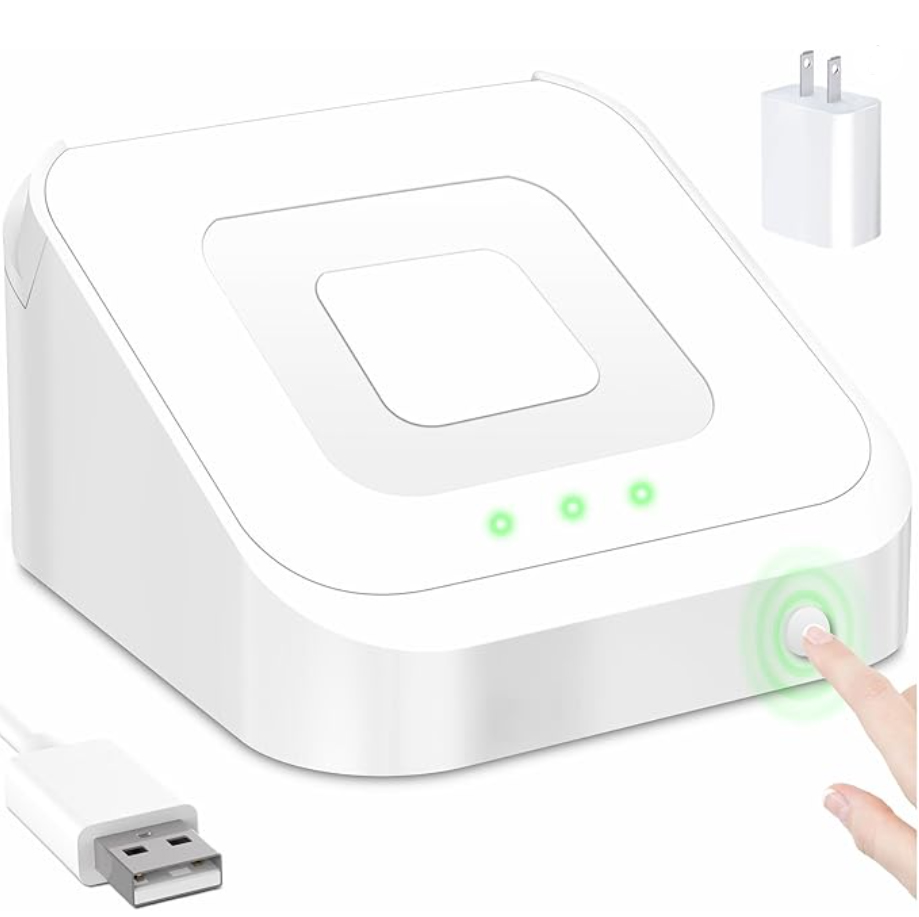
Optionally, to keep your Square reader charged you can get this USB Docking Station and plug it into an outlet or Power Station. Click HERE to order a docking station.
What About Cash Transfer Apps?

You may see other vendors taking Venmo, Cash App, or PayPal at craft fairs—but be careful. These are just payment processors, meaning they don’t update your online inventory when you sell an item in person.
If you’re using these apps, you’ll need to manually update your online shop after every sale – which can be hard to keep up with when you’re busy at a fair.
Other Things to Consider When Selling at Craft Fairs
Booth Setup: Your online store may have great product photos, but at a craft fair, you’ll need an eye-catching display to draw customers in. Invest in good signage, table decor, and attractive product arrangements.
Pricing Strategy: Some sellers price items slightly lower at craft fairs since there are no transaction fees costs. But keep in mind you have booth fees plus your time for being at the fair selling VS at home creating new products. Plus you have other expenses such as bags and packaging too. Whatever you decide, make sure your pricing is consistent to avoid confusing customers.
Sales Tax: Depending on your location, you may need a temporary sales tax permit for in-person events. Check the state you will sell in Department of Revenue for requirements before your first fair.
Get the Best of Both Worlds
Selling in person at craft fairs is an exciting way to grow your business, connect with new customers, and bring more traffic to your online store. By choosing a payment system that syncs with your online shop, you can keep things running smoothly without the stress of managing inventory manually.
If you’ve already made the jump from online to craft fairs, what’s your best advice? Let’s chat in the comments!



 Craft Fair Insider
Leave a comment